
Antivirii 2011 rogue is one that doesn’t point to any of the known families of rogues, however, this rogue like others uses fake alerts with fake scan results to scare the user into buying the rogue. This one didn’t block the running of other applications and has only two files it drops to the Windows folder, the first is a random named while the second is named antivirii.exe
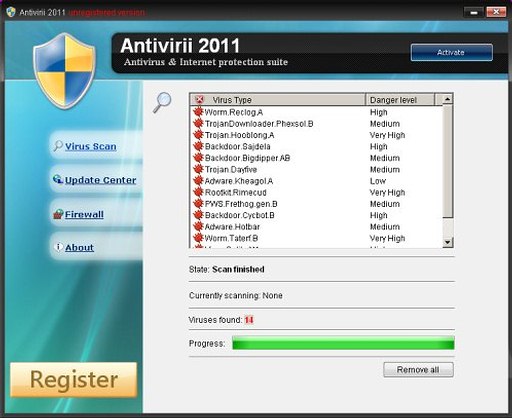
The Antivirii 2011 rogue can be removed using manual methods, however, as one of more files are random named in the Windows folder , it is recommend to use our Antispyware/Antivirus removal tool, VIPRE Antivirus. You can download a free trial to remove the rogue from your computer for no cost by clicking on the link below:
http://www.vipreantivirus.com/Antivirus-Trial/VIPRE-Antivirus/
If you are unable to download and install our malware removal tool because this has infected your computer and is not allowing you to install the program, you can use our VIPRE Rescue Disc here: